Last updated:
If you want to scale in 2026, you need a high-speed CRM workflow for professional services that closes the gap between inquiry and response.
You don’t lose deals to better products; you lose them to faster responses.
Professional services grow by closing the “speed-to-lead” gap. By automating your initial response, auto-enriching data, and using a visual pipeline, you stop leads from leaking through the cracks of a messy inbox.
This guide outlines the complete CRM workflow for professional services, designed to turn web inquiries into signed contracts without the ‘Fragmentation Tax‘ of disconnected tools.
The Invisible Cost of “Getting to it Later.”
Let’s be honest: Most small firms think they lose deals because they’re too expensive.
They’re wrong.
They’re losing deals because they’re slow.
When a lead fills out your web form, they are in “problem-solving mode.”
They want an answer now.
If you wait four hours to reply, they’ve already emailed three other people.
By the time you call, they’ve already scheduled a consultation with the competitor who replied in five minutes.
This is the “Fragmentation Tax”—the literal cost of having your leads buried in an inbox instead of a System of Action.
For a professional services firm, a single missed follow-up isn’t just a “lost email”; it’s thousands of dollars in lifetime value walking out the door.
Step 1: The “I Hear You” Instant Message
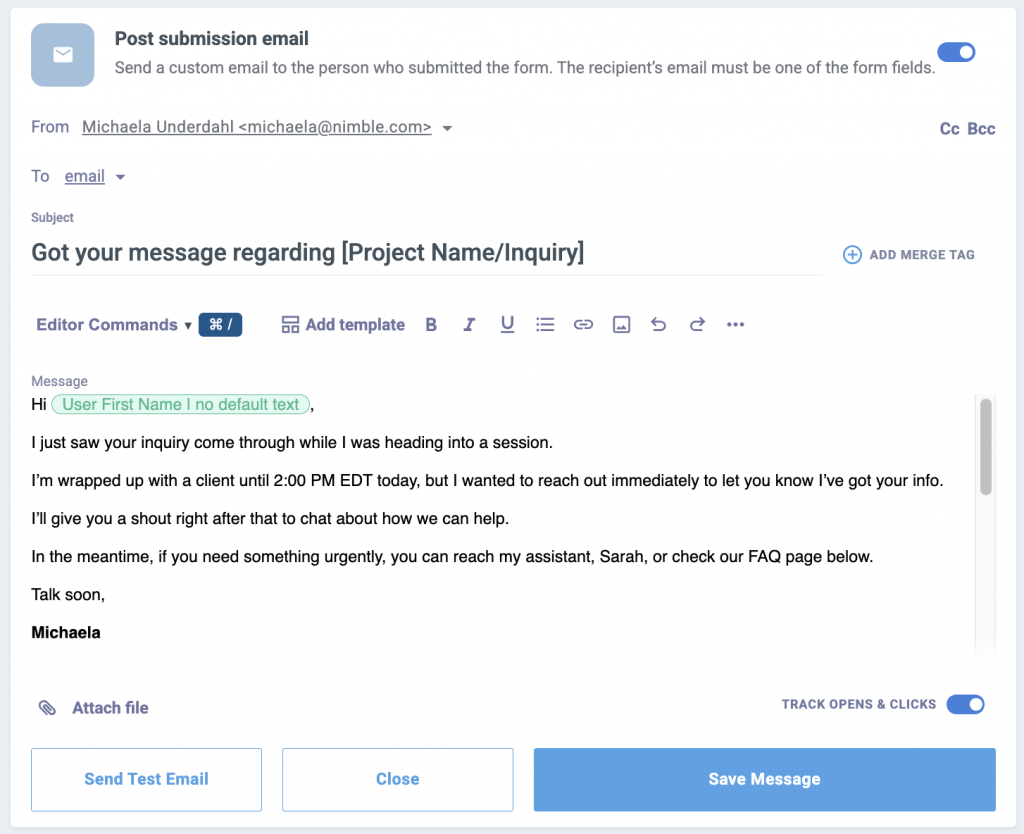
The second someone hits “submit” on your site, Nimble should automatically fire off a message. This isn’t about “selling” yet; it’s about claiming the lead.

Free Guide
The ABCs of CRM
A Beginner's Guide to Understanding &
Using a CRM
Download Free
You’re All Set!
DownloadGet the most out of this guide by starting your free 14-day trial of Nimble today.
Research published in Harvard Business Review shows that firms that try to contact potential customers within an hour of receiving a query are nearly seven times as likely to have a meaningful conversation with a key decision maker.
- The 2-Hour Promise: Your email should be plain text and personal. “Got your info! I’m wrapped up with a client until 2:00 PM, but I’ll give you a shout right after that.”
- Why it works: You’ve given them a reason to stop searching. You’ve set an appointment without being at your desk.
- The 2026 Standard: Use an automated trigger that looks like a manual send. In 2026, people ignore “marketing-heavy” HTML templates. They respond to personal, text-based notes.
Step 2: Kill the Manual Research (Auto-Enrichment)
While that lead is reading your email, Nimble is playing detective. In 2026, no one has time to spend 20 minutes “Googling” a lead before a call.
This level of automation is why many high-growth firms are moving away from complex marketing tools and choosing the 2026 alternative for lean sales teams to keep their operations simple and fast.
- Instant Context: Nimble automatically pulls in their LinkedIn profile, company size, and job title.
- The Consultative Advantage: When you finally jump on that call at 2:00 PM, you already know they just hired three new people or that they worked at a firm you recognize. You aren’t asking “What do you do?”; you’re asking, “I saw your team is growing—how can I help you scale [Specific Problem]?”
Step 3: Managing Your CRM for Professional Services
If your “process” is just a long list of unread emails, you have a “Status Quo” problem.
To keep your pipeline healthy, you need to move every new lead into a dedicated CRM workflow for professional services.
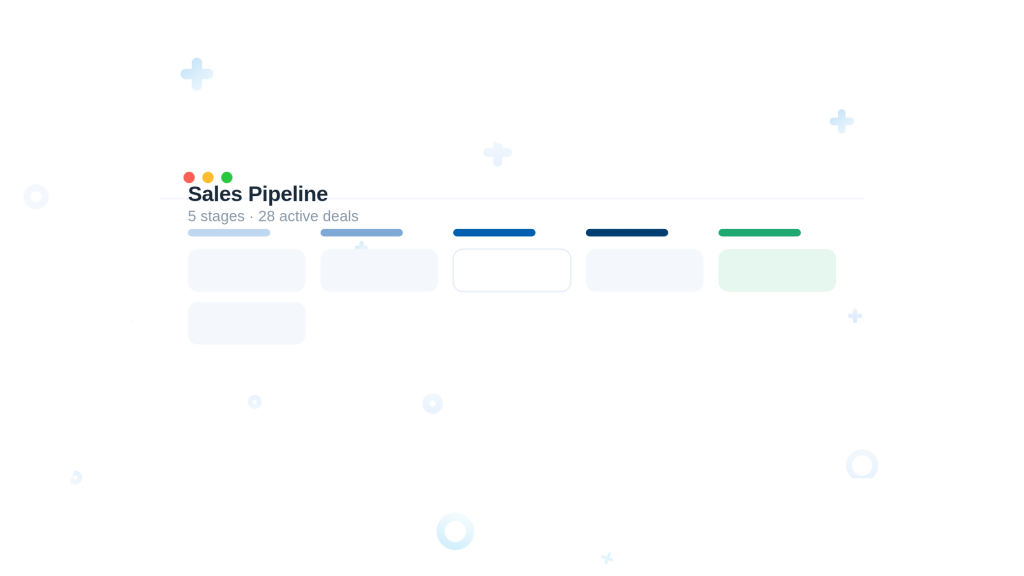
This visual system ensures that no prospect sits in the ‘Proposal Sent’ stage for too long without a follow-up.
- Visual Stages: Think of it like a board game. Your lead starts at “New Inquiry,” moves to “Discovery Call,” then “Proposal Sent.”
- No More Sticky Notes: If a lead sits in the “Proposal Sent” column for more than three days, Nimble flags it. This is your Revenue Protection Alert. It tells you exactly where your money is getting stuck before it turns into a “cold” lead.
Step 4: Using Lead Routine Automation for Long-Term Nurturing
We’ve all heard it: “This looks great, but let’s talk next quarter.”
In a manual system, that lead is effectively dead.
In a 2026 routine, that lead is a future asset.
Value Over Volume: Don’t send “just checking in” garbage.
Send a link to a relevant industry update with a “Soft-Interest CTA”: “Saw this and thought of our project. Is this still on your radar for Q2?” *
The Goal: You want to be the only name they remember when that “next quarter” finally arrives.
The Nurture Drip: Automatically place these people on a “Long-Term Nurture” email sequence.
Step 5: Closing Deals with Your CRM for Professional Services
Once they say “send me the contract,” the lead is no longer just a contact—they are a Deal.
In Nimble, you switch them to a Deal in one click.
Why? Because you need a Weighted Pipeline.
You shouldn’t be guessing your monthly income.
You should be able to see: “I have $40k in ‘Likely’ revenue for February.”
This is how professional firms stop “hoping” and start “investing.”
Common Questions About the “Zero-Leak” Routine
If you’re switching from a messy spreadsheet or a bloated CRM, Nimble’s 2026 importer handles the data in minutes. You can have your first “Zero-Leak” workflow running before lunch.
Only if you use robotic templates. Keep it plain text, keep it short, and always include a “human out” (e.g., “If this is urgent, text me at…”).
Even better. Automated routines are more important for small teams because you don’t have a dedicated admin to catch the balls you drop.