
When teams evaluate Nimble vs Mailchimp, they’re often comparing email marketing features rather than the broader impact on their sales and marketing workflow.
That comparison misses the real issue.
For B2B teams, the difference between these platforms isn’t about sending emails—it’s about what happens after a prospect engages.
Mailchimp is designed primarily as an email marketing tool.
Nimble is built as a relationship-focused CRM that treats marketing and sales as a single, connected process.
Many SMBs try to use both, pairing Mailchimp with a separate CRM to manage deals and follow-ups.
Over time, this creates a fragmented “sales Frankenstack.”
A typical Frankenstack looks like this:
- One tool for email campaigns
- Another for contacts and deals
- A third for enrichment or automation
- Additional integrations to keep everything loosely connected
Engagement data, contact records, and pipeline activity live in different systems, creating friction instead of momentum.
The result is slower follow-up, duplicated work, and less selling time for revenue teams.
Marketing activity happens in one place, sales action happens in another, and the connection between the two is delayed or incomplete.
This article explores Nimble vs Mailchimp from an operational perspective.
Instead of focusing on isolated features, we’ll examine how each platform supports—or limits—a unified approach to revenue, and when Mailchimp starts enabling growth—and when it quietly starts holding teams back.
The High Cost of the “Sync Tax”
When comparing Nimble vs Mailchimp, feature lists often overshadow a more important issue: what happens to relationship context when marketing and sales operate in separate systems.
Using Mailchimp alongside a standalone CRM creates fragmented visibility. Even with integrations in place, teams rarely see a complete, real-time picture of engagement, communication history, and deal context in one place.
This fragmentation creates the Sync Tax—the ongoing cost of delayed data, duplicated work, and lost continuity across the customer relationship.
The Sync Tax shows up as:
- Engagement data arriving hours—or days—too late
- CRM records are missing campaign and content context
- Sales actions triggered by outdated signals
- Manual cleanup disguised as “process.”
- The cost of delayed data, duplicated work, and lost continuity across the customer relationship.
The “Sync Gap”: Why 24-Hour Delays Are Killing Your Leads
High-intent moments in B2B sales are short-lived.
In many SMB sales stacks, marketing engagement and sales activity live in different systems. Email opens, link clicks, and campaign responses are captured in the email marketing platform. Conversations, notes, and deal stages live in the CRM. Even when tools are connected, engagement data is often delayed or surfaced without full context.
This delay creates the Sync Gap—the time between when a buyer shows intent and when sales becomes aware of it.
During that gap, momentum fades.
Sales teams may follow up without knowing which message resonated, what content was clicked, or how recently the engagement occurred.
Context exists, but it lives elsewhere.
For B2B teams, timing and relevance are inseparable. Opportunities don’t stall because interest disappears. They stall because responses arrive too late or without continuity.
Double-Entry Fatigue: The Hidden Admin Cost of Two Databases
Running Mailchimp alongside a separate CRM means maintaining two partial records of the same relationship. One system tracks campaigns and subscribers, while the other tracks conversations, accounts, and deals.
Keeping these records aligned requires constant manual effort. Teams lose 12.5 hours a week reconciling marketing lists with CRM records, reducing the time available for outreach and follow-up. CSV exports only worsen the issue by freezing relationship data and forcing teams to work from outdated snapshots.
The Subscription Overlap: Stop Paying the “SaaS Tax”
Fragmented systems create unnecessary subscription overlap. When Mailchimp is layered on top of a CRM, organizations end up paying multiple vendors to manage different pieces of the same customer relationship—email marketing in one platform, relationship history in another, and integrations to keep them loosely connected.
In practice, this adds up quickly. A typical B2B setup might include:

Free Guide
The ABCs of CRM
A Beginner's Guide to Understanding &
Using a CRM
Download Free
You’re All Set!
DownloadGet the most out of this guide by starting your free 14-day trial of Nimble today.
- A CRM at $25–$50 per user, per month
- An email marketing platform charging $100–$300+ per month as contact lists grow
- Additional costs for contact enrichment, automation, or integration tools
It’s common for small teams to spend $200–$500 per month across multiple subscriptions, without ever achieving a fully unified view of the customer.
Costs continue to rise as databases grow, even though the relationship context remains fragmented.
By contrast, Nimble combines CRM, contact management, and built-in email marketing in a single platform starting at $29.90 per user, per month.
Marketing engagement, relationship history, and sales activity all live in one system, eliminating redundant subscriptions and reducing the operational overhead that comes with maintaining a point-solution stack.
Nimble – The Unified System of Action
The core difference in Nimble vs Mailchimp is not email capability—it’s how contact data is structured and used. Mailchimp is designed around audiences and campaigns, not persistent relationship records. As a result, engagement exists at the campaign level rather than within a complete, evolving view of the contact.
Nimble takes the opposite approach. It is built around a single, continuous contact record where marketing engagement, communication history, and sales activity all live together in real time.
Growth in 2026 requires Communal Data. Gartner defines this as orchestrating workflows throughout the tech stack so that customer-facing roles have exactly what they need in one place. In Nimble, your marketing engagement and sales notes are communal; in a Mailchimp ‘Frankenstack,’ they are siloed.
How Nimble vs Mailchimp Handles Real-Time Marketing Context
In a Mailchimp workflow, sales reps are flying blind. They see a lead in the CRM, but they have no clue that the lead just opened an email five times. To find out, they have to “tab-hop,” log into a different platform, and dig through campaign reports. That’s not a workflow; it’s a scavenger hunt.
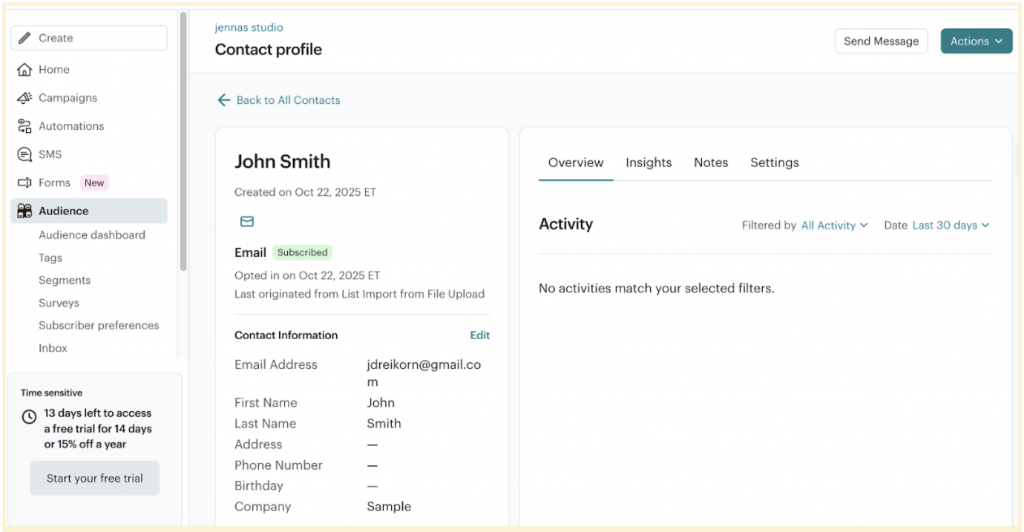
In Nimble, the Timeline is the Truth.
Every open, link click, and reply is automatically injected into the contact record alongside your calls, notes, and deal updates.
This means your sales team stops “guessing” and starts “knowing.” When you see a prospect engaging with a specific case study on the timeline, you don’t send a generic follow-up—you send the right follow-up, right then.
Segmentation Without Exporting: Building “Smart Lists” That Update Themselves
Most teams are stuck in the “Export/Import” cycle: filtering a list in the CRM, moving a CSV to Mailchimp, and crossing their fingers that the data stays relevant. The second you hit “upload,” that list is dying. It doesn’t know if a prospect just signed a contract or told you to stop calling them.
Nimble kills the CSV by allowing you to segment based on the current state of the relationship. Because your lists are powered by live CRM data—notes, deal status, and communication history—you aren’t just shouting at an “audience.” You’re targeting specific people based on real-world context, with zero administrative friction and zero risk of sending a “prospecting” email to a client who just closed.
AI-Assisted Nurturing: Moving from “Mass Blast” to “Personalized Conversation”
Traditional email marketing platforms are optimized for broadcasting, not relationship-driven follow-up. While they track opens and clicks, they lack the full contact history needed to support personalized outreach at scale.
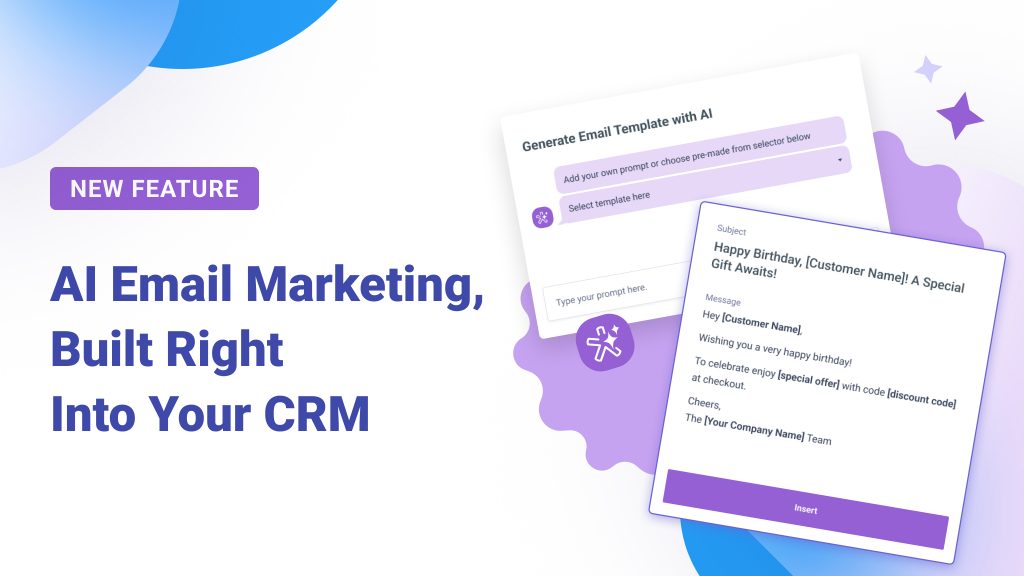
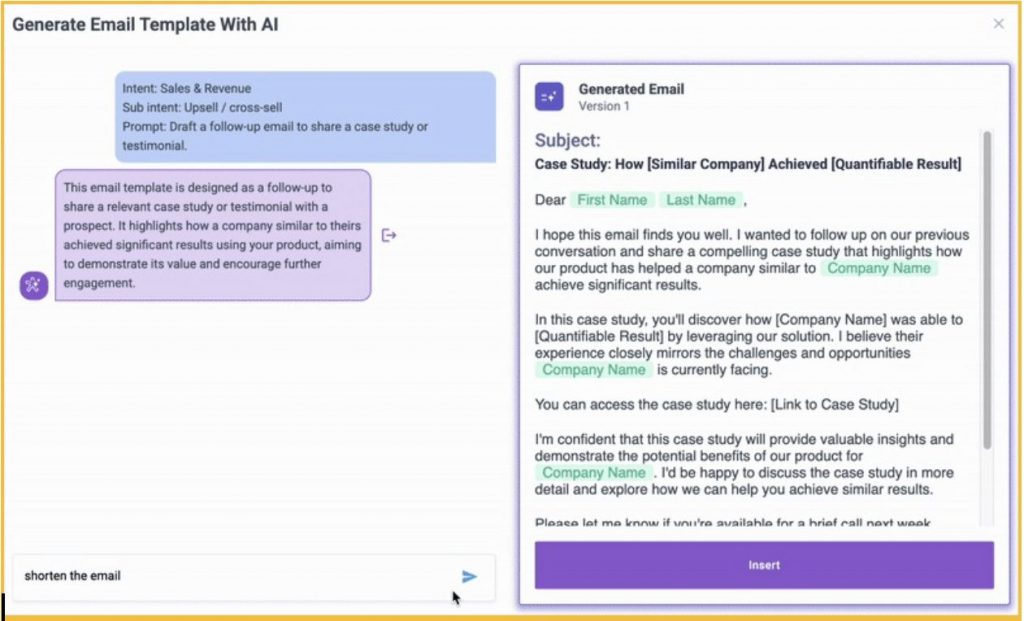
Nimble uses AI to assist with drafting follow-ups that reference actual engagement and prior interactions stored in the CRM. Instead of sending another generalized campaign, teams can quickly move from marketing engagement to relevant one-to-one communication.
This shifts email from a reporting function to a continuation of the relationship, without requiring sales teams to piece together context from multiple tools.
The Verdict: Nimble vs Mailchimp – Which is the Right Alternative?
The question in a Nimble vs Mailchimp comparison is not which platform sends better emails. It’s whether email marketing is being used as a standalone broadcast function or as part of an ongoing sales relationship.
Mailchimp is well suited for high-volume, one-to-many communication. It works best when the primary goal is newsletters, promotions, or ecommerce-driven messaging, and when sales follow-up is minimal or handled outside the platform.
Nimble is designed for a different use case. It is built for B2B teams where relationships unfold over time, where follow-up depends on context, and where marketing engagement needs to inform sales action without delay or data loss.
When Mailchimp Still Makes Sense (And When It Starts Holding Teams Back)
Mailchimp continues to make sense for ecommerce and retail teams focused on promotional campaigns, product announcements, and list-based marketing. In those environments, the absence of a true CRM-style contact record is less of a limitation because sales conversations are not the primary driver of revenue.
For service-based businesses, agencies, consultants, and B2B teams selling high-value relationships, those limitations become more visible. Engagement lives at the campaign level, not within a persistent relationship history. Context is fragmented across tools, and sales teams must reconstruct the story of a prospect from multiple systems.
At that point, the tool that once enabled growth starts to introduce friction.
The “One-Tab” Test: Audit Your Workflow Today
A simple way to evaluate whether your stack is working against you is the One-Tab Test.
If sending a follow-up email, reviewing engagement, and updating a deal requires three or more tabs, you are operating inside a Frankenstack. Each additional tab represents lost context, extra clicks, and more administrative effort layered onto selling time.
Unified systems reduce that friction by design. The fewer places data lives, the easier it is to act on it.
Nimble vs Mailchimp: The Feature-to-Feature Comparison Matrix
For teams evaluating Nimble vs Mailchimp, the table below compares how each platform supports relationship-driven selling, operational efficiency, and total cost when CRM functionality is included.
| Feature | Nimble | Mailchimp |
| Relationship History | Full CRM contact record with communication history, notes, and activity timeline | Campaign-level engagement data; no persistent CRM-style relationship record |
| Automated Enrichment | Built-in contact enrichment to keep records current | Not included; requires external tools |
| Email Sequencing | Sales-focused email sequences tied to CRM contacts | Basic campaign automations; not tied to relationship or deal context |
| Total Monthly Cost | $29.90 per user/month for CRM + $15/month per company for email marketing | Contact-based pricing starting at $20/month, increases as lists grow; CRM not included |
Frequently Asked Questions: Nimble vs Mailchimp
Nimble can be a strong Mailchimp alternative for B2B teams that need email marketing to work alongside sales activity and relationship management. In a Nimble vs Mailchimp comparison, the key difference is that Nimble combines CRM and email marketing in one system, while Mailchimp focuses on campaign-based email without a built-in CRM. For relationship-driven selling, this unified approach reduces data silos and improves follow-up.
Yes. Nimble includes email marketing as an add-on that works directly from CRM contact records. Email marketing in Nimble is available for $15 per month per company, in addition to the $29.90 per user per month CRM subscription. Because email engagement is tied to the contact record, sales and marketing teams can see campaign activity alongside communication history and notes.
Nimble reduces the need for CSV imports by keeping contacts, communication history, and email activity in a single system. Instead of exporting lists between platforms, teams work directly from CRM contact records when preparing outreach. This approach minimizes duplicate data, reduces manual syncing, and helps ensure marketing and sales are acting on the most current contact information.