
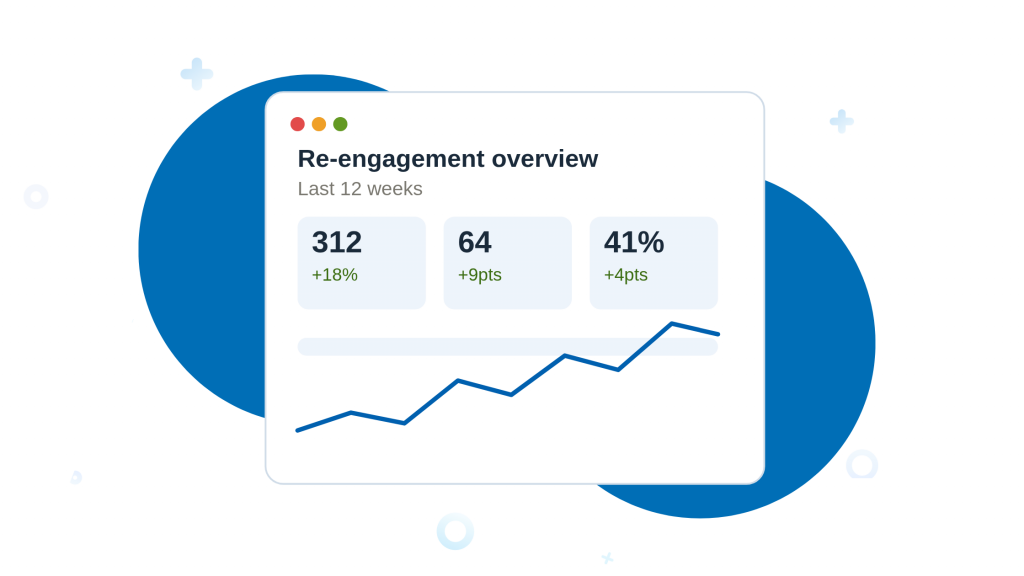
Quick answer: To re-engage cold leads, start by segmenting a tight group of 50–100 genuinely warm-but-quiet contacts, then run a short 3–4 email check-in sequence that leads with value, not a pitch. Layer in personal touches — a Stay-in-Touch reminder or a LinkedIn comment — for your highest-value accounts, refresh stale contact data before you send, and archive anyone who stays silent after two full quarters. A cold lead is a contact who showed real interest (a reply, a call, a form fill) but has gone quiet for roughly 60–180 days — not a cold, purchased list.
Learning how to re-engage cold leads is one of the highest-leverage skills in sales, because these are leads who already know you. Every pipeline has them: contacts who downloaded a guide, replied twice, maybe even booked a call — then vanished. Writing them off is expensive; a lead who already engaged once is dramatically cheaper to win back than a brand-new prospect. The problem isn’t the leads. It’s that most teams have no system for warming them back up.
In this guide, you’ll find 10 practical, field-tested ways to re-engage cold leads, illustrated with how each works inside Nimble CRM — a relationship-focused CRM built for small teams. Each example includes honest pros and cons so you can pick the tactics that fit your pipeline, plus a mobile-friendly summary table to keep for reference. For the complete picture on prospecting, sequencing, and closing, see our guide to sales for small business.
Why leads go cold (and why that’s fixable)
Leads rarely go cold because they hated your product. They go cold because timing was wrong, budgets froze, a champion changed jobs, or — most often — because follow-up simply stopped. Contact databases also decay naturally: people switch roles and inboxes, so a list built a year ago may already contain a meaningful share of contacts you can no longer reach. That’s not a motivation problem or a discipline problem; it’s a system problem. The tactics below turn re-engagement from a guilty to-do into a repeatable process your CRM runs for you.
Quick definition: a “cold lead” here means a contact who previously showed real interest — a reply, a call, a form fill — but has had no meaningful engagement for roughly 60–180 days. Purchased lists of strangers are a different (and harder) problem.
Free Guide
The ABCs of CRM
A Beginner's Guide to Understanding &
Using a CRM
Download Free
You’re All Set!
DownloadGet the most out of this guide by starting your free 14-day trial of Nimble today.
Summary table: 10 re-engagement tactics at a glance
| # | Tactic | Best For | Effort | Key Nimble Feature |
|---|---|---|---|---|
| 1 | Segment before you send | Everyone — do this first | Low | Tags & saved segments |
| 2 | Quarterly check-in sequence | Relationship-based sales | Medium | Email sequences |
| 3 | Stay-in-Touch reminders | High-value 1:1 accounts | Low | Stay-in-Touch |
| 4 | Cold-to-warm workflow automation | Higher-volume pipelines | Medium | Workflows + sequence triggers |
| 5 | Refresh stale contact data | Lists older than 6 months | Low–Med | Prospector enrichment |
| 6 | Social touch before the email | LinkedIn-active buyers | Medium | Social profile matching |
| 7 | Value-first content nurture | Long sales cycles | Medium | Email marketing add-on |
| 8 | Track opens, prioritize the warm | Small teams, limited time | Low | Trackable templates |
| 9 | Auto-enroll returning leads | Inbound / web-form traffic | Low | Web forms + auto-enroll |
| 10 | Breakup email & archive | Pipeline hygiene | Low | Sequence exit rules |
1. Segment cold leads before you send anything
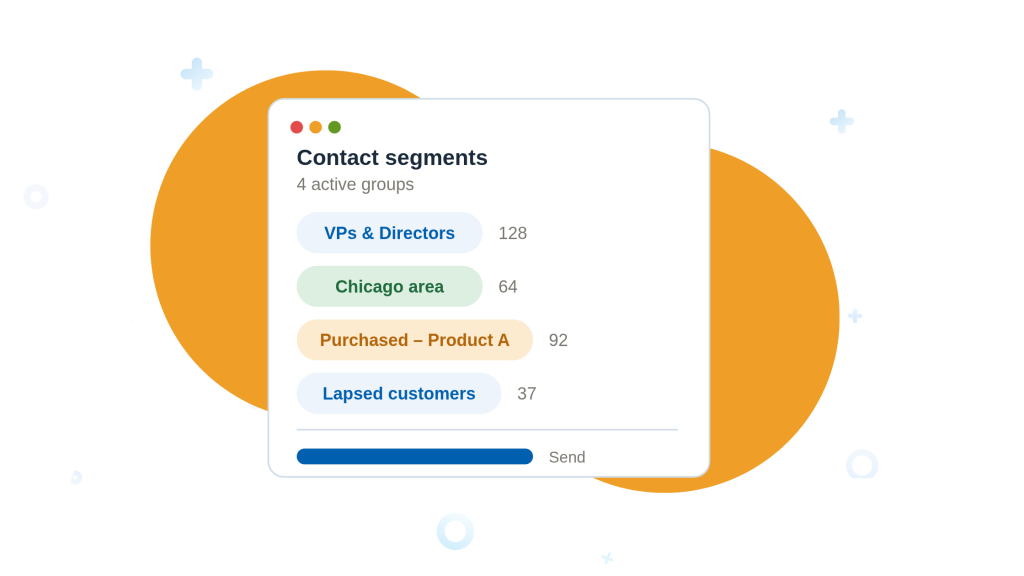
The single biggest re-engagement mistake is blasting your whole database at once. Enrolling thousands of barely-engaged contacts in one campaign tanks reply rates and can damage your sender reputation with email providers. The fix is segmentation: pull out a tight group of 50–100 cold leads per quarter who actually interacted with you — a call, a demo, a genuine email thread.
In Nimble: use tags (e.g., cold-Q3, went-quiet-after-demo) and saved segments filtered by “last contacted” date, deal stage, and lead source. Lead qualification workflows can also tier contacts automatically into Hot / Warm / Cold based on engagement and fit, so your cold segment builds itself.
Pros
- Protects deliverability and reply rates
- Makes personalization realistic
- Takes under an hour to set up
Cons
- Requires reasonably clean CRM data
- Slower than a mass blast (deliberately)
2. Run a quarterly re-engagement email sequence
A re-engagement sequence is a short series of 3–4 emails spaced over a few weeks, designed to find out who’s still reachable. The golden rule: email one is a check-in, not a pitch. Mentioning your services or asking for a call in the first message reads as automated and kills the re-engagement framing instantly. Save the value-add for email two, and any soft ask for email three.
In Nimble: build the sequence in Outbound → Sequences with personalized merge fields (name, company, industry) plus a free-text block at the top for one human, specific sentence. Set the global exit condition to “Exit as Successful when contact replies” so nobody who responds to email one receives email two.
Pros
- Systematically surfaces ready-to-talk leads
- Runs on autopilot once built
- Feels personal when merge fields are used well
Cons
- Copy quality makes or breaks it
- Needs quarterly discipline to keep paying off
3. Set Stay-in-Touch reminders for high-value accounts
Automation is great for volume, but your ten best cold accounts deserve a human touch. Cadence reminders nudge you when a specific contact hasn’t been engaged within a window you define — 30, 60, or 90 days — so relationships never silently expire.
In Nimble: the Stay-in-Touch feature is built for exactly this. Set a monthly cadence on a lead who said “not yet, ask me in Q4,” and Nimble reminds you at the right moment with their full communication history — emails, notes, calendar events, and social activity — on one contact record, so you re-open the conversation with context instead of “just checking in.”
Pros
- Perfect for a small number of big opportunities
- Keeps outreach genuinely personal
- Zero risk to sender reputation
Cons
- Doesn’t scale to hundreds of leads
- Reminders still rely on you acting on them
4. Automate the cold-to-warm handoff with workflows
Re-engagement shouldn’t be a one-way street. When a cold lead starts engaging again — opening emails, clicking links, replying — they should automatically graduate to warmer, more direct outreach without anyone having to notice manually.
In Nimble: workflow automation connects pipelines and sequences in both directions. A contact who engages with a cold-outreach sequence can be moved automatically into a warm nurture sequence, and moving a contact between workflow stages can trigger enrollment in the matching email series. The result is a pipeline that re-sorts itself based on real behavior.
Pros
- No warmed-up lead falls through the cracks
- Outreach intensity matches actual interest
- Scales without extra headcount
Cons
- Initial setup takes planning
- Over-automation can feel robotic if unchecked
5. Refresh stale contact data before outreach
Cold lists decay. Emailing a lead at a company they left eight months ago wastes the send and hurts deliverability. Before any re-engagement push, refresh the segment: verify job titles, companies, and email addresses, and look for changes worth mentioning — a promotion is a perfect re-engagement hook.
In Nimble: Prospector’s contact enrichment auto-populates and updates records with current company data, revenue, headcount, and social profiles, replacing manual research. A quick pass over your cold segment tells you who moved on, who got promoted, and whose company just raised funding — all conversation starters that only research could surface.
Pros
- Prevents embarrassing wrong-company emails
- Surfaces natural re-engagement triggers
- Saves hours versus manual research
Cons
- Enrichment data isn’t 100% accurate for every contact
- Adds a step before campaigns launch
6. Warm them up on social before you email
An email from someone a lead hasn’t heard from in six months is easy to ignore. The same email after two weeks of light social presence — a thoughtful comment on their LinkedIn post, a reaction to their company news — lands very differently. Social touches rebuild familiarity without asking for anything.
In Nimble: as a social CRM, Nimble matches contacts to their LinkedIn, X, and Facebook profiles and shows recent activity directly on the contact record. Real estate teams, for example, use it to track potential buyers across platforms and engage naturally before formal outreach. Check the record, engage with one recent post, then send your re-engagement email a few days later referencing something real.
Pros
- Dramatically improves email response rates
- Feels like a relationship, not a campaign
- Free — costs only a few minutes per lead
Cons
- Manual by nature; hard to scale
- Only works where leads are socially active
- Some social matching can be imperfect
7. Nurture with value-first content, not offers
Some cold leads aren’t cold — they’re early. Research consistently shows most buyers pick the vendor who provided genuine value first. For long-cycle purchases, the best re-engagement is a steady drip of useful content: market reports, benchmarks, how-to guides, event invitations — segmented by what each lead actually cares about.
In Nimble: the email marketing add-on offers a drag-and-drop editor and templates for polished campaigns, while segmentation ensures a lead interested in one product line never gets generic mass mail. Real estate agencies using Nimble send tailored market reports and exclusive listings per segment — the same principle applies to any industry.
Pros
- Builds trust with not-yet-ready buyers
- Keeps your brand top-of-mind for months
- Content is reusable across channels
Cons
- Requires ongoing content production
- Results compound slowly — not a quick win
8. Track engagement and prioritize who warmed up
Not every cold lead deserves the same attention this week. Email tracking turns silence into signal: a lead who opened your message four times and clicked your pricing link is telling you something, even without replying. Reps who follow open-and-click signals call the right people at the right moment.
In Nimble: trackable email templates send real-time notifications when a lead opens, clicks, or replies — reviewers consistently name email tracking among their favorite Nimble features. Sort your cold segment by engagement after each send and spend your calling time on the top of that list.
Pros
- Focuses limited time on the most receptive leads
- Real-time alerts enable perfectly timed follow-up
- Built in — no extra tooling needed
Cons
- Open tracking is less reliable since Apple’s privacy changes
- An open isn’t intent — treat it as a hint, not a promise
9. Auto-enroll returning leads so they never re-cool
Cold leads often re-surface on their own: they revisit your site, download a new resource, or fill in a form months after going quiet. That moment of renewed interest has a short shelf life. If follow-up depends on someone noticing the form submission, the lead cools again — one Nimble customer case study found that simply auto-enrolling web-form leads into a sequence lifted engagement on their follow-up emails to 75% within a month.
In Nimble: connect web forms and webhooks to workflows so a returning lead is automatically added to the right pipeline stage and email sequence the moment they submit — with an instant, automatic first response. No traveling rep, no forgotten inbox, no leak.
Pros
- Zero-latency response to renewed interest
- Removes human bottlenecks entirely
- Set-and-forget once configured
Cons
- Requires connected email and tested settings up front
- Generic auto-responses can undo the goodwill — write them carefully
10. Send the breakup email — then archive ruthlessly
Re-engagement has an endpoint. A polite “closing the loop” email (“Should I close your file?”) often triggers replies precisely because it removes pressure. And for contacts who don’t open anything across two consecutive quarterly runs, the kindest thing for your pipeline is to archive them. Continuing to email genuinely departed contacts harms sender reputation and clutters your pipeline with ghosts.
In Nimble: use sequence exit conditions and reports to identify zero-engagement contacts after each quarterly run, tag them archived, and remove them from active outreach. Your metrics get honest, your forecasts get real, and your team stops chasing people who moved on.
Pros
- Breakup emails often outperform regular follow-ups
- Cleaner pipeline = better forecasting
- Protects long-term email deliverability
Cons
- Feels counterintuitive to “delete” leads
- Occasionally archives someone who’d have converted later
Is Nimble CRM the right tool for cold-lead re-engagement?
Based on aggregated user reviews (Nimble holds a 4.4/5 rating across roughly 1,900 verified Capterra reviews) and independent testing, here’s the honest picture:
Pros of Nimble for re-engagement
- Social media integration and contact enrichment are repeatedly cited as standout, time-saving features
- Intuitive, easy-to-learn interface — well suited to small teams without a CRM admin
- Email tracking, sequences, Stay-in-Touch reminders, and workflow automation cover the full re-engagement loop in one tool
- Works inside Gmail, Outlook, and Microsoft Teams, so re-engagement happens where you already work
- Affordable relative to enterprise CRMs, with straightforward pricing
Cons to weigh
- Reviewers note it may not be robust enough for large enterprise teams
- No free plan, and independent reviews mention storage limits and restricted support hours
- Some users find customization limited and parts of the interface dated
- Occasional glitches and unreliable social-profile matches reported by a minority of users
Common mistakes to avoid
- Pitching in the first email. The check-in must be a check-in. Sell later.
- Enrolling the entire database. Tight segments of 50–100 relevant contacts win every time.
- Skipping the data refresh. Outdated records turn re-engagement into spam.
- Never archiving. Two silent quarters mean it’s time to let go.
- Set-and-forget sequences. Review copy and results every quarter; iterate.
Final thoughts
Cold leads are the cheapest revenue hiding in your business. They’ve already raised their hand once — all they need is a reason and a well-timed nudge to raise it again. Start small: this week, build one segment of 50 genuinely cold-but-real leads, refresh their data, and launch a three-email check-in sequence with a reply-based exit rule. Layer in social touches for your top ten accounts, let workflow automation promote anyone who warms up, and archive the silent ones each quarter.
Do that consistently and re-engagement stops being a rescue mission — it becomes a quiet, compounding channel that your CRM runs in the background while you focus on closing.
Frequently Asked Questions
A contact who previously showed real interest — a reply, a call, a form fill — but has had no meaningful engagement for roughly 60–180 days. A purchased list of strangers is a different problem.
Quarterly is the standard cadence. It’s frequent enough to catch leads before they fully forget you, without over-emailing contacts who genuinely aren’t ready yet.
3–4 emails spaced over a few weeks work best. The first should be a simple check-in, not a pitch — save any ask for later in the sequence.
After two consecutive quarterly sequences with zero engagement, archive the contact. Continuing to email genuinely unresponsive leads hurts your sender reputation and clutters your pipeline.
Yes. Nimble’s email sequences, Stay-in-Touch reminders, and workflow automation can segment cold leads, run check-in sequences, and automatically move contacts to warmer outreach once they re-engage.