


Last updated:
In today’s fast-paced business world, integrating Customer Relationship Management (CRM) systems with project management is no longer just a nice-to-have — it’s becoming a must. Research shows that 87% of businesses see better project outcomes after adopting CRM-driven workflows. That’s a pretty compelling reason to take a closer look.
Originally, CRMs were designed primarily for sales teams to manage leads and close deals. But the technology has evolved. Modern CRM platforms now offer powerful project management features, making them indispensable for teams that want to combine client relationship tracking with task planning, collaboration, and performance monitoring — all in one place.
In this guide, we’ll explore:
- What CRM for project management actually means
- Why it’s worth using
- Key features to look for
- The top 5 CRMs our experts recommend
- How to choose the right one for your team
- Real-world examples of CRMs in action
By the end, you’ll have a clear understanding of how CRM can transform your project workflow and which platforms are best suited for different needs.
What Is CRM for Project Management?
At its core, CRM for project management is about centralization.
It combines customer relationship tools — tracking client details, communications, and preferences — with project-specific data like timelines, tasks, and deliverables.
Instead of juggling multiple systems (a spreadsheet for project timelines, an email inbox for client messages, and a separate CRM for contacts), everything is in one dashboard. This makes it easier to:
- Access vital information quickly
- Make informed decisions
- Identify problems before they escalate
- Keep everyone on the same page
Think of it as a command center for your team — where client relationships, project tasks, and communication channels all meet. The result? Fewer mistakes, smoother collaboration, and more successful outcomes.

Why Use the Best CRM for Project Management?
Using a top-tier CRM in your project management workflow is a strategic advantage.
Here’s why it outshines traditional project management tools:
- Everything is connected – Client details, ongoing conversations, contracts, and tasks are linked, so you’re never hunting for scattered files.
- Stronger team collaboration – Everyone can see the latest updates in real time.
- Better decision-making – Data-driven insights let you tweak timelines, allocate resources, or adjust priorities on the fly.
- Efficiency at scale – As your business grows, the right CRM grows with you.
A high-quality CRM doesn’t just store information — it actively helps you work smarter.
Pros of Using CRM in Project Management
Adopting CRM tools for project management can pay off in multiple ways:
1. Enhanced Collaboration
A CRM provides a shared workspace where team members can:

Free Guide
The ABCs of CRM
A Beginner's Guide to Understanding &
Using a CRM
Download Free
You’re All Set!
DownloadGet the most out of this guide by starting your free 14-day trial of Nimble today.
- Access project data instantly
- Update task statuses
- Share files
This keeps everyone aligned, whether they’re in the same office or working remotely.
2. Improved Communication
Built-in messaging, email tracking, and client notes reduce misunderstandings.
You don’t need to dig through old emails to find that one piece of feedback — it’s already attached to the project record.
3. Better Data Organization
CRMs excel at structuring information. Project milestones, meeting notes, and client requirements are easy to find and update.
Many systems also offer visual dashboards so you can track progress at a glance.
4. Stronger Client Relationships
Detailed records of past interactions let you personalize your approach.
Clients feel valued when you remember preferences, previous concerns, and key details without having to ask twice.
Key Features to Look For
Before you choose a CRM, make sure it ticks these boxes:
- User-Friendly Interface – If your team finds it clunky, they won’t use it.
- Robust Task Management – Assign, track, and prioritize tasks easily.
- Document Sharing – A must for quick collaboration.
- Integrations – It should work smoothly with tools you already use, like Slack, Google Drive, or accounting software.
- Scalability – Choose a system that can handle more users, projects, and data as your business expands.
- Customization – The ability to tweak dashboards, workflows, and reports to match your processes.
Our Expert Picks: 5 Best CRMs for Project Management
After reviewing dozens of platforms, we’ve narrowed it down to the five best CRMs that excel at project management.
1. Nimble CRM – Best for Relationship-Focused Teams

Nimble is all about building and maintaining strong relationships while keeping projects organized.
It’s especially popular with small and medium-sized businesses that need a single tool to manage both client interactions and tasks.
Key Highlights:
- Automated contact profile enrichment
- Social media profile matching
- Sales pipeline tracking
- Customizable workflows
- Group email marketing and segmentation
- Integrations with Microsoft 365 and Google Workspace
Why We Like It:
Nimble’s Workflows feature automates repetitive processes across departments, saving hours of manual work.
- $24.90/user/month (billed annually)
- $29.90/user/month (billed monthly)
- 14-day free trial available
2. Wrike – Best for Large, Multi-Team Projects
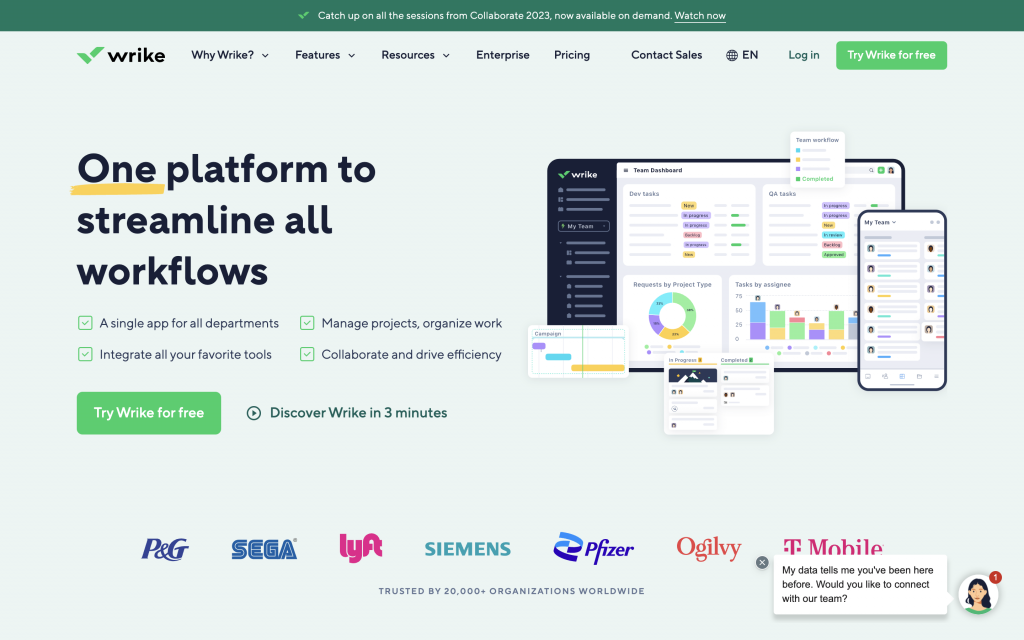
Wrike is a powerful, flexible project management tool that integrates CRM-like features.
It’s designed for companies that need to track multiple projects across different departments.
Key Highlights:
- Task & deadline management
- Interactive Gantt charts
- Real-time collaboration tools
- Over 400 app integrations
- Advanced analytics and reporting
Why We Like It:
Its visual planning tools make complex projects easy to understand, even for non-technical stakeholders.
Pricing:
- Free Plan – For small teams
- Professional – $9.80/user/month
- Business – $24.80/user/month
3. Monday.com – Best for Flexibility & Customization
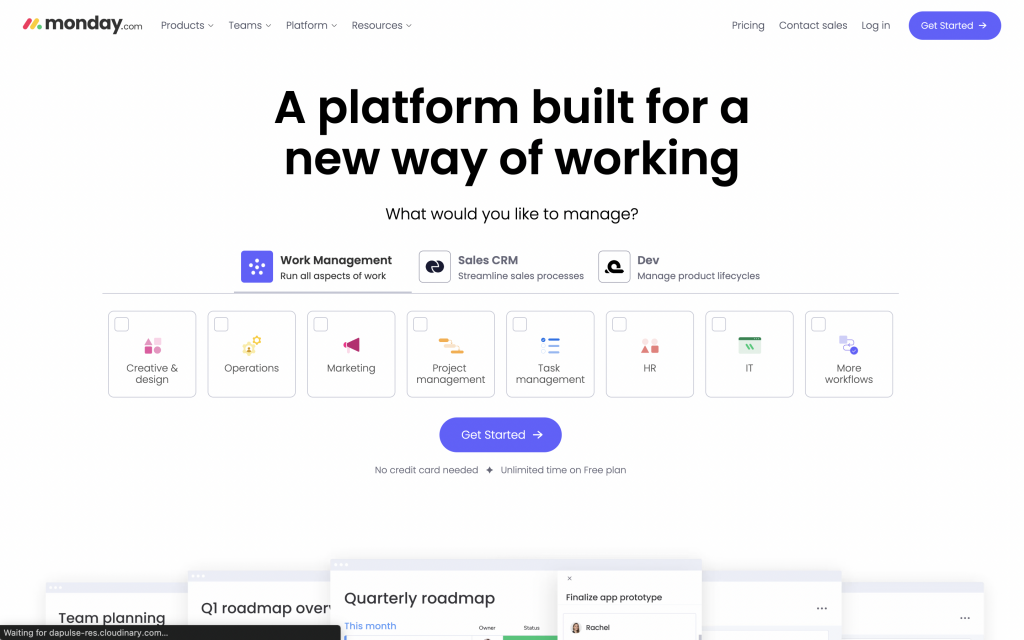
Monday.com is like the Swiss Army knife of work management platforms.
It’s incredibly adaptable — you can use it as a CRM, a project tracker, or both.
Key Highlights:
- Multiple view options (Kanban, calendar, timeline, Gantt)
- Custom dashboards
- Integrations with Slack, Dropbox, and more
- Workflow automation with “recipes”
- Document collaboration
Why We Like It:
You can design boards and dashboards to fit any workflow — from marketing campaigns to product launches.
Pricing:
- Individual – Free
- Basic – $8/seat/month
- Standard – $10/seat/month
- Pro – $16/seat/month
- Enterprise – Custom pricing
4. Insightly – Best All-in-One CRM + Project Tool
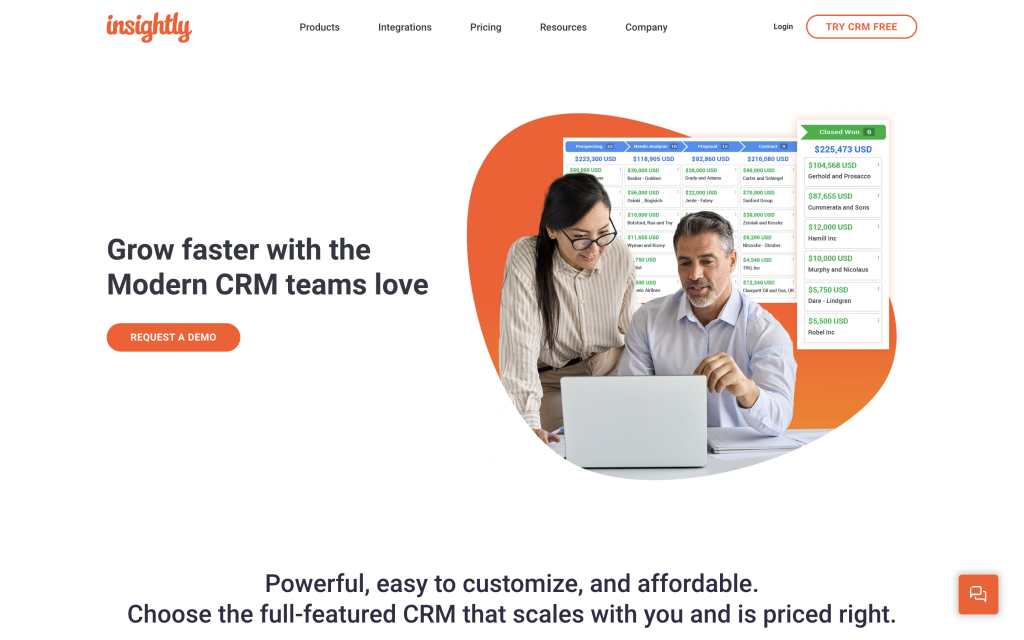
Insightly merges robust CRM capabilities with project management features, making it a good fit for businesses that want both in a single system.
Key Highlights:
- Unified customer & project data
- Custom dashboards
- Workflow automation
- Lead & opportunity tracking
Why We Like It:
It’s ideal for sales-driven companies that want to manage deals and deliverables from the same platform.
Pricing:
- Plus – $29/user/month
- Professional – $49/user/month
- Enterprise – $99/user/month
5. vTiger – Best for Budget-Friendly All-In-One Management
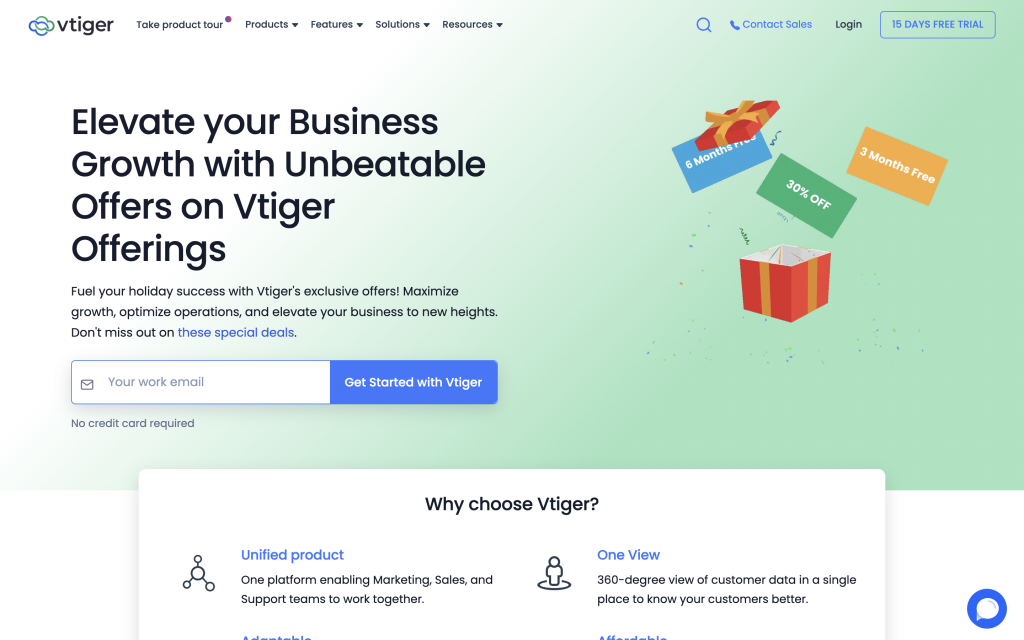
vTiger offers a 360-degree view of your sales, marketing, and support operations — all integrated into one affordable tool.
Key Highlights:
- Lead & contact management
- Sales and marketing automation
- Helpdesk tools
- Integration with 500+ apps
- Detailed analytics
Why We Like It:
It’s cost-effective without sacrificing core CRM and project features.
Pricing:
- Starter – $10/user/month
- Professional – $30/user/month
- One Professional – $42/user/month
How to Choose the Right CRM for Your Projects
Here’s a simple decision checklist:
- Define Your Needs – List the must-have features.
- Set a Budget – Balance affordability with capabilities.
- Check Scalability – Make sure it grows with your business.
- Test Integrations – Ensure it works with your existing tools.
- Use a Trial – Most platforms offer free trials — take advantage.
Implementing a CRM Successfully
Buying a CRM is just the first step. To make it work:
- Train your team – Proper onboarding is crucial.
- Provide support – Have an internal champion or help desk.
- Integrate tools – Sync with your calendars, email, and project trackers.
- Review regularly – Update workflows as your needs evolve.
Real-World Examples
- Design Agency: Uses a CRM to track client feedback, ensuring each revision matches the client’s vision.
- Remote Software Team: Assigns tasks and shares files directly in the CRM, eliminating email clutter.
- Fast-Growing Startup: Customizes workflows in a scalable CRM to handle new clients without losing efficiency.
Final Thoughts
The right CRM can transform your project management — uniting your team, improving communication, and keeping clients happy.
Whether you prioritize relationship building (Nimble), big-picture planning (Wrike), customization (Monday.com), sales + delivery integration (Insightly), or affordability (vTiger), there’s an option here that can help you deliver better results, faster.




