

Quick answer: The core CRM practices for small nonprofits are: consolidate every donor, volunteer, and board contact into one record; build a monthly data-hygiene habit; segment supporters with tags instead of mass-blasting your whole list; automate routine follow-ups so stewardship never depends on memory; capture new contacts through web forms the moment someone raises their hand; and track engagement so decisions are based on evidence, not guesswork. A relationship-first CRM like Nimble makes each of these achievable for a one- or two-person team.
A great CRM won’t magically raise more money — the habits you build around it will. This guide breaks down the ten CRM practices for nonprofits that separate teams who quietly outgrow their spreadsheets from those who stay stuck in them, with real examples of how a relationship-first CRM like Nimble puts each one within reach of a small team.
If you run development, communications, or operations at a small nonprofit, you already wear five hats before lunch. A constituent relationship management (CRM) system is supposed to lighten that load: one home for every donor, volunteer, board member, and grant contact, plus the history of every interaction you’ve had with them. Done right, it becomes your single source of truth and your fundraising engine. Done poorly, it becomes an expensive, half-empty database nobody trusts.
The difference is rarely the software. It’s the practices. Below are ten field-tested habits, ordered from foundation to advanced, each with a concrete way to apply it and an honest look at the trade-offs. We use Nimble as the running example because it’s built for small, relationship-driven teams and priced within reach of a lean nonprofit budget — but the practices apply to any platform you choose.
The 10 Practices at a Glance
Here’s the full list at a glance, with what each one looks like in practice.
| # | Practice | Why It Matters | In Nimble |
|---|---|---|---|
| 1 | One source of truth | Ends scattered data across tools | Auto-syncs email, social & calendar into unified profiles |
| 2 | Data hygiene routine | Prevents dupes & failed outreach | Signature parsing + easy dedupe review |
| 3 | Segment supporters | Enables personalized appeals | Tags & saved, targeted segments |
| 4 | Automate follow-ups | Stops donor lapse from silence | Workflows, reminders & email sequences |
| 5 | Web-form capture | Turns sign-ups into relationships | Forms auto-create contacts & triggers |
| 6 | Enrich profiles | Adds context for smarter asks | Enrichment, browser plugin & Prospector |
| 7 | Email inside CRM | Keeps engagement tied to donors | Group email & open/click/reply tracking* |
| 8 | Moves-management pipeline | Keeps major gifts progressing | Custom deal stages & next actions |
| 9 | Access & ownership | Protects data integrity | Team roles & permission controls |
| 10 | Track & report | Drives evidence-based decisions | Activity logging & dashboard insights |
*Email marketing may be offered as a paid add-on; confirm current pricing.
Free Guide
The ABCs of CRM
A Beginner's Guide to Understanding &
Using a CRM
Download Free
You’re All Set!
DownloadGet the most out of this guide by starting your free 14-day trial of Nimble today.
Why a CRM Matters More Than Ever for Small Nonprofits
Donor retention is under real pressure across the sector. Organizations with clean, well-managed data are consistently better positioned to hold onto and grow their recurring-donor base, even as overall donor numbers shrink industry-wide. At the same time, a rising share of nonprofits report that using their data for decisions — not just storing it — has become a top operational headache. A CRM is how a small team fights back: it centralizes fragmented information, surfaces who’s slipping away, and lets one or two people run stewardship that used to require a department. The ten practices below are how you turn that potential into results.
1. Build One Source of Truth — and Actually Consolidate
Most small nonprofits don’t have a data problem so much as a scatter problem: donors in an email tool, volunteers in a spreadsheet, event RSVPs in a form, board notes in someone’s inbox. Your first job is to pull all of it into one record per person. A true 360-degree profile — every gift, email, event, and conversation in one place — is the precondition for everything else in this list.
In Nimble: Nimble automatically pulls contact details, email history, calendar events, and social profiles from Gmail, Outlook, and the web into a unified contact record, so a profile builds itself instead of waiting on manual entry.
PRO Auto-syncing from email and social means profiles fill in with far less data entry.
WATCH OUT Migrating legacy spreadsheets still takes upfront cleanup — budget a weekend for the initial import.
2. Make Data Hygiene a Routine, Not a Rescue Mission
Dirty data quietly sabotages fundraising: duplicate donors get two appeals, a wrong address means a returned year-end letter, an outdated email tanks your open rate. The fix is boring and powerful — standardize how records are entered, set naming conventions, and schedule a recurring audit to catch duplicates and stale fields before they multiply. Treat it as a monthly habit, not an annual panic.
In Nimble: Email-signature parsing keeps contact details current as people write to you, and centralized records make duplicates easier to spot and merge during your monthly review.
PRO Automatic updates from live email keep records fresh without manual chasing.
WATCH OUT No CRM cleans itself completely — assign one owner for the monthly hygiene pass.
Practice 03
3. Segment Supporters with Tags and Saved Lists
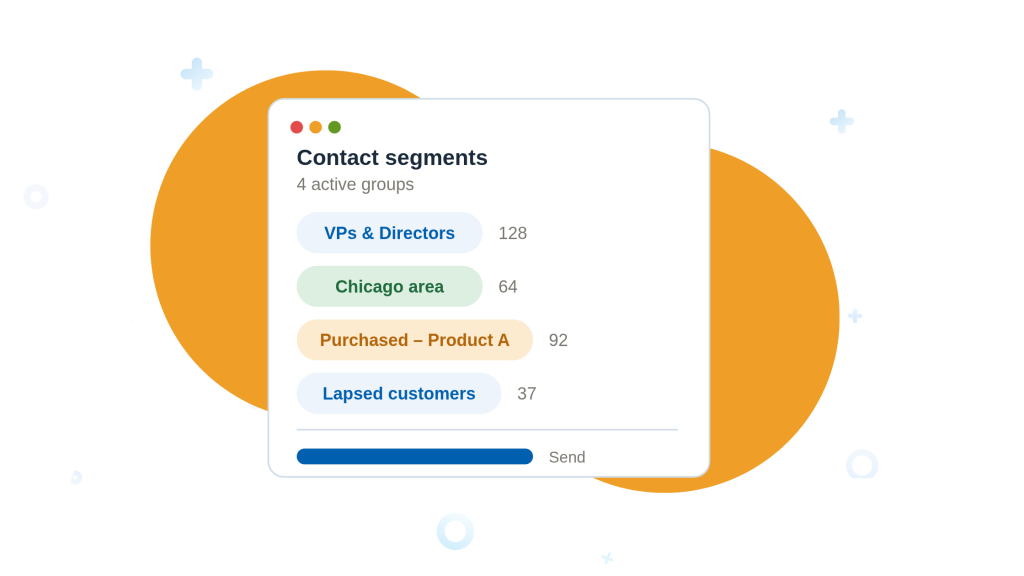
A generic “Dear Friend” blast to your whole list is the fastest way to train people to ignore you. Segmentation lets you talk to first-time donors, lapsed donors, monthly givers, volunteers, and major-gift prospects differently. Start simple: tag every contact by relationship type and giving status, then build saved lists you can message in a couple of clicks. See our full guide to segmenting contacts for personalized outreach for ten ways to build these groups.
In Nimble: Tags plus sophisticated segmentation let you slice your database into targeted groups — say, “lapsed donors in your city who opened the last newsletter” — and save that segment for repeat outreach.
PRO Flexible tagging and saved segments make personalized outreach realistic for a tiny team.
WATCH OUT Segments are only as good as your tags — agree on a shared tag vocabulary up front.
4. Automate Follow-ups and Stewardship
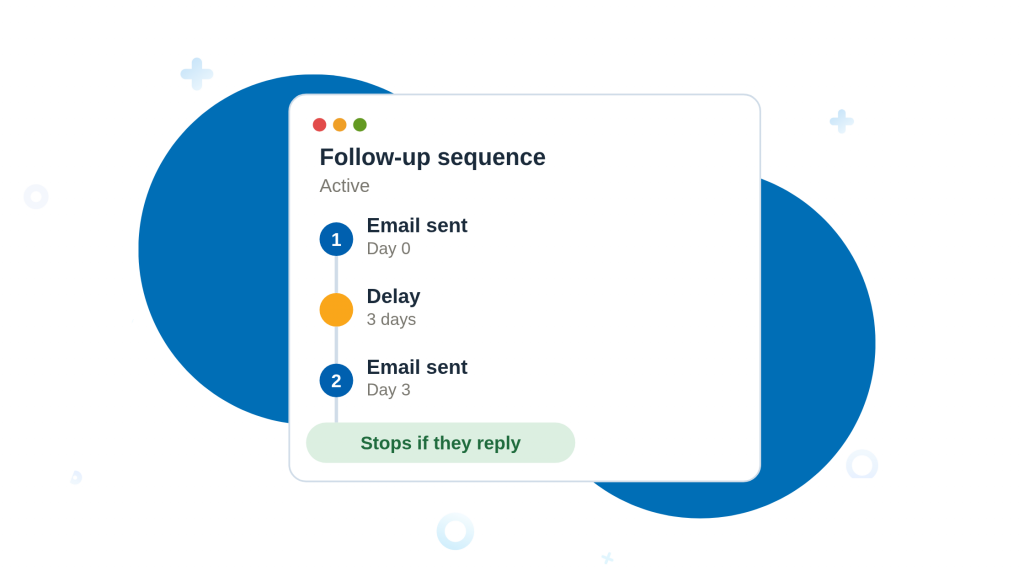
The number-one reason donors lapse isn’t a better cause elsewhere — it’s silence. Automation guarantees the thank-you, the welcome series, and the “we haven’t heard from you in a while” nudge all go out on time, every time, without living in your head. Automate the reliable, repeatable touches so your human energy goes to the conversations that need it. See our guide to automating follow-up emails in your CRM for the setup.
In Nimble: Workflows and pipeline automation trigger follow-up reminders and task hand-offs, while automated email sequences run a welcome or re-engagement series from your own address.
PRO Sequences and reminders ensure no new donor or lapsed supporter falls through the cracks.
WATCH OUT Over-automating reads as robotic — keep at least one genuinely personal touch per donor journey.
5. Capture New Contacts with Web Forms
Every newsletter sign-up, volunteer application, and event RSVP is a potential relationship — but only if it lands in your CRM instead of a disconnected inbox. Web forms that create a contact record automatically close the gap between interest and follow-up, so a supporter is in your system and getting nurtured within minutes of raising their hand.
In Nimble: Customizable web forms instantly create a CRM contact and can trigger follow-up reminders, turning a sign-up on your site into a live, trackable relationship without copy-paste.
PRO Instant contact creation means faster, more reliable follow-up on every lead.
WATCH OUT Forms feed growth, so pair them with Practice 2 — more inflow needs more hygiene.
6. Enrich Profiles So You Know Who You’re Talking to
Context turns a mailing list into a relationship. Knowing a supporter’s employer, role, location, or social presence helps you personalize an ask and spot major-gift or corporate-match potential you’d otherwise miss. Enrichment fills in the gaps around the name and email you started with.
In Nimble: Contact data enrichment, a browser plugin that finds social and professional info, and the “Prospector” tool for pulling details from company sites help you flesh out a profile before you reach out.
PRO Prospector and enrichment are included with every plan — no separate purchase needed to start using them.
WATCH OUT Each plan includes 100 enrichment credits per user per month (50 on trial); heavier prospecting volume may require purchasing additional credits.
7. Run Email Marketing from inside The CRM
When your email tool and your donor data live apart, you lose the thread: you can’t easily see who opened the appeal, who clicked, or who to follow up with. Sending campaigns from within the CRM keeps engagement data attached to the person, so your next move is informed rather than guessed.
In Nimble: Built-in email marketing lets you send group messages and automated sequences from your own address and track opens, clicks, and replies — all tied back to the contact record. (Email marketing is offered as an add-on, so check current pricing.)
PRO Sending from your personal address aids deliverability and keeps engagement in one place.
WATCH OUT Message volume has per-user caps and email marketing may cost extra — verify against your list size.
8. Build a Moves-Management Pipeline for Major Gifts
Major and mid-level gifts rarely happen by accident — they move through stages: identify, qualify, cultivate, solicit, steward. A visual pipeline makes those stages explicit so nothing stalls and everyone knows the next step for each prospect. Even a solo development officer benefits from seeing the whole board at once. See our pipeline stage examples for structures you can adapt.
In Nimble: Nimble’s deal pipeline lets you map prospects across custom stages, assign next actions, and track progress toward a goal — effectively a moves-management board for your top relationships.
PRO A clear visual pipeline keeps major-gift cultivation moving without a dedicated system.
WATCH OUT Reporting is lighter than enterprise nonprofit CRMs — fine for small teams, thin for complex grant tracking.
9. Control Access and Assign Clear Ownership
Clean data and shared logins don’t mix. Limiting who can edit records — and training the people who can — prevents accidental deletions and drift. Just as important, name an owner for the database itself: someone accountable for standards, imports, and the monthly hygiene pass. Governance is what keeps a CRM trustworthy as your team and volunteer base grow.
In Nimble: Manage team members and permissions so volunteers or interns can view and use records without unrestricted edit access to your entire donor base.
PRO Role-based access reduces costly accidental changes as more hands touch the data.
WATCH OUT Permission granularity is simpler than large enterprise CRMs — adequate for most small nonprofits, worth testing if you have complex roles.
10. Track Engagement and Report on What Works
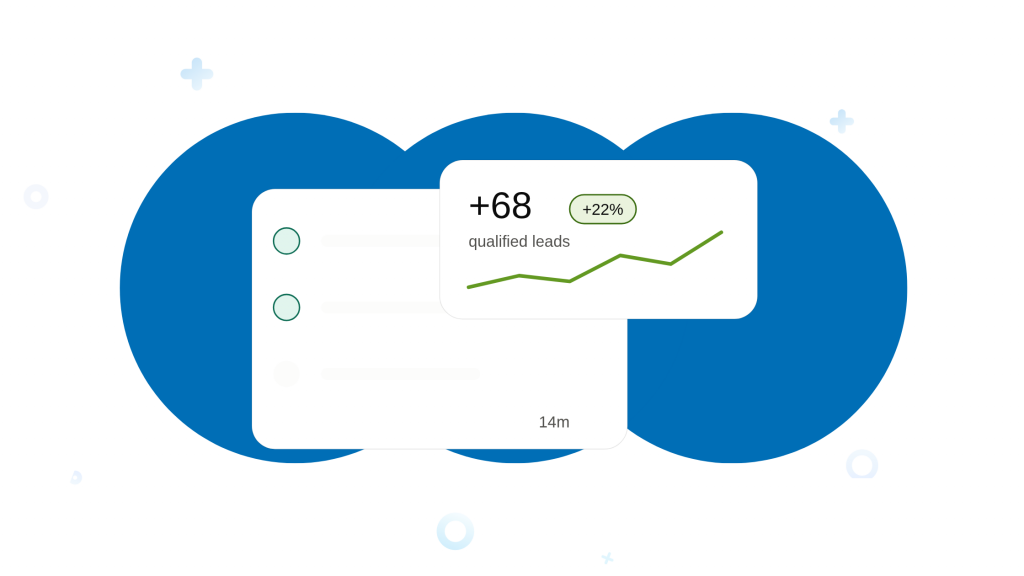
You can’t improve what you don’t measure. Log every meaningful interaction and review the numbers that matter — retention, average gift, campaign response, pipeline movement — so next quarter’s plan is built on evidence, not vibes. Reporting closes the loop on all nine practices above.
In Nimble: Activity tracking logs interactions automatically, and the dashboard surfaces engagement and pipeline status at a glance so you can spot what’s working and where relationships are cooling.
PRO The at-a-glance dashboard makes it easy to keep new and existing relationships in view.
WATCH OUT For deep custom analytics or grant reporting, you may need to export or add a dedicated tool.
Nimble at a glance: honest pros & cons
Nimble is a relationship-first CRM built for small, social-savvy teams, rated around 4.5 out of 5 on G2 and Capterra. It runs on a single all-in-one plan starting at $24.90 per seat/month billed annually (or $29.90/month billed monthly), which keeps pricing predictable for a small nonprofit — though email marketing is a paid add-on, and there’s no dedicated nonprofit fundraising module. Here’s the balanced view:
Pros
- Intuitive, low-learning-curve interface
- Strong social media integration and contact enrichment
- Auto-syncs email, calendar, and social into unified profiles
- Web forms, segmentation, and automation in one place
- Predictable single-plan pricing, no confusing tiers
- Prospector and enrichment credits included with every plan
- Handy extras: business-card scanning, browser lookup
Cons
- No free plan (a free trial is available)
- Limited storage and per-user messaging caps
- Email marketing costs extra as an add-on
- Not a purpose-built fundraising/donation platform
- Lighter reporting than enterprise nonprofit CRMs
- Customer support hours are restricted
Pricing, limits, and add-ons change — always confirm the current details on Nimble’s official site before you commit.
Quick Summary Table
| # | Practice | Why It Matters | In Nimble |
|---|---|---|---|
| 1 | One source of truth | Ends scattered data across tools | Auto-syncs email, social & calendar into unified profiles |
| 2 | Data hygiene routine | Prevents dupes & failed outreach | Signature parsing + easy dedupe review |
| 3 | Segment supporters | Enables personalized appeals | Tags & saved, targeted segments |
| 4 | Automate follow-ups | Stops donor lapse from silence | Workflows, reminders & email sequences |
| 5 | Web-form capture | Turns sign-ups into relationships | Forms auto-create contacts & triggers |
| 6 | Enrich profiles | Adds context for smarter asks | Enrichment, browser plugin & Prospector |
| 7 | Email inside CRM | Keeps engagement tied to donors | Group email & open/click/reply tracking* |
| 8 | Moves-management pipeline | Keeps major gifts progressing | Custom deal stages & next actions |
| 9 | Access & ownership | Protects data integrity | Team roles & permission controls |
| 10 | Track & report | Drives evidence-based decisions | Activity logging & dashboard insights |
*Email marketing may be offered as a paid add-on; confirm current pricing.
*Email marketing may be offered as a paid add-on; confirm current pricing.
Putting It All Together
You don’t need to adopt all ten practices next week. Start with the foundation — consolidate into one source of truth, commit to a monthly hygiene habit, and tag your contacts so you can segment. Those three alone will sharpen every appeal you send. Layer in automation, web forms, and enrichment as capacity allows, then graduate to a moves-management pipeline and real reporting once the basics hum. A tool like Nimble makes each step approachable for a small team on a small budget, but the momentum comes from the habits, applied consistently, month after month.
Give your small nonprofit a CRM built for relationships, not spreadsheets. Nimble helps you consolidate donor data, automate stewardship, and track what’s actually working.